FS25 Editable Pastures v1.0

FS15 Mods | FS17 Mods | FS19 Mods | FS22 Mods | FS25 Mods |
FS 25 Other

FS25 Editable Pastures v1.0

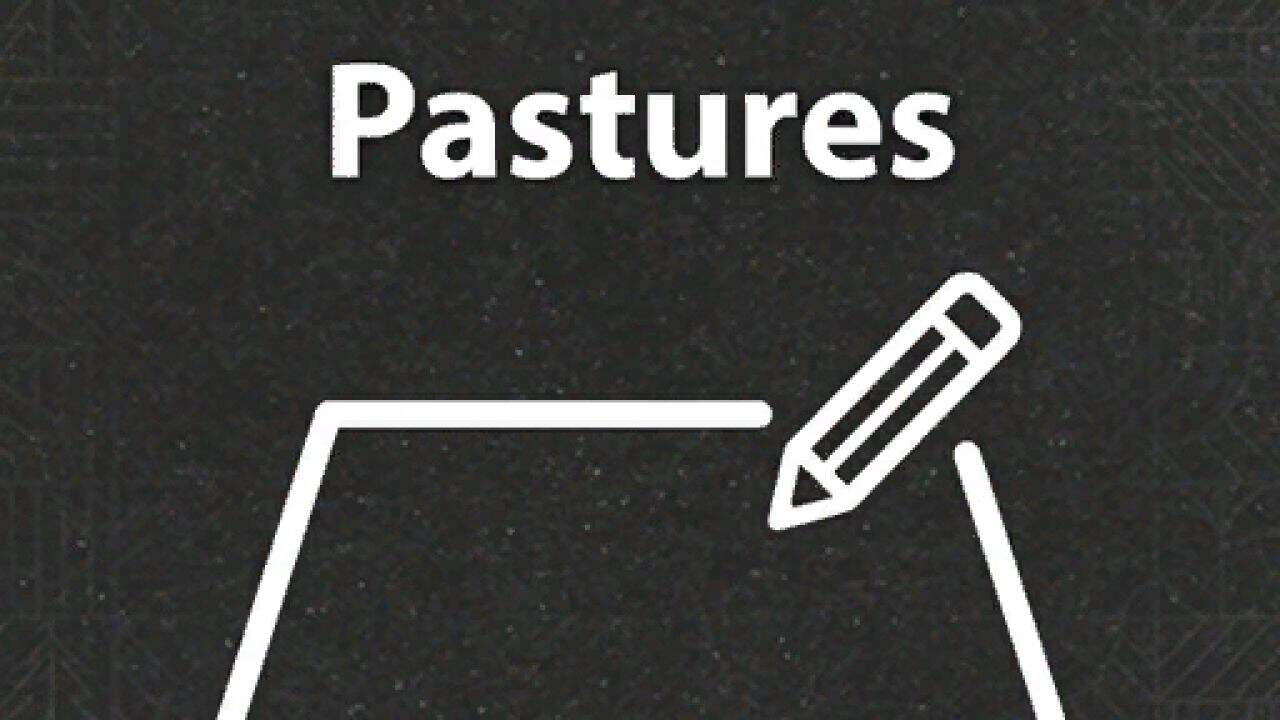
Adding the ability to edit pastures after placement.

How to use it:
1. Go into build mode
2. Click on a pasture and you will see a edit button next to rename
3. Click on it and place the fence you want. Same way as when you place a new barn
4. Save, and follow the steps (meadow or not)
5. You are done :D

IMPORTANT NOTE:
– Cancel editing, will not go back to your old pasture, it will go back to the default pasture.

I am working on fixing this issue

BETA 2
– Added multiplayer support
– Added check for when new fence is smaller than old fence


Author: Racc00n
This content was uploaded by website visitors. If you notice any mistake, please let us know.


Finding a game interesting after investing 300 hours into it can become a bit challenging. But with mods as long as there is a new update is assured, you are guaranteed a few more hours of new exciting gameplay. FS 25 Other Mods are one of the greatest upgrades and can make your game unique. Downloading and adding FS25 Editable Pastures v1.0 Mod to your game is not difficult at all - you simply need to save a file and run it.


You may also like...

Leave a Reply

Your email address will not be published. Required fields are marked *