FS25 Adjust Tramlines For Missions v1.0
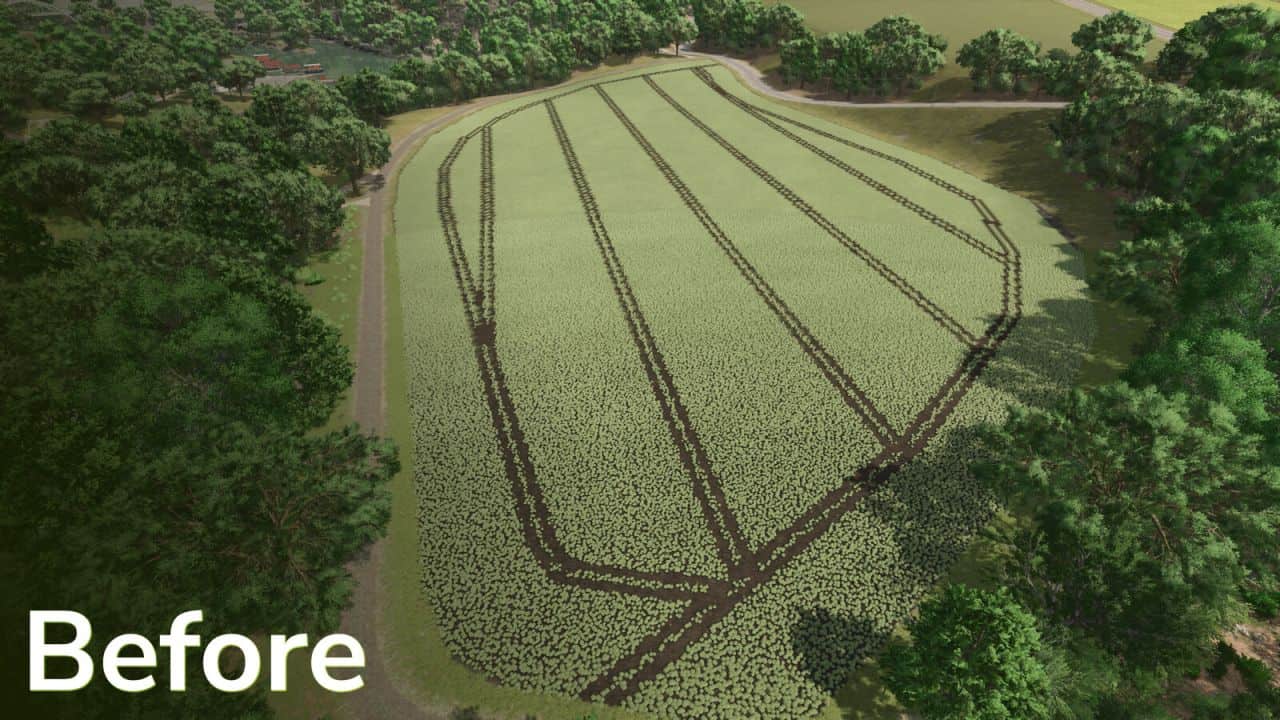
This mod allows you to adjust the tramlines on mission fields to match your own machines or working widths of rented mission vehicles.
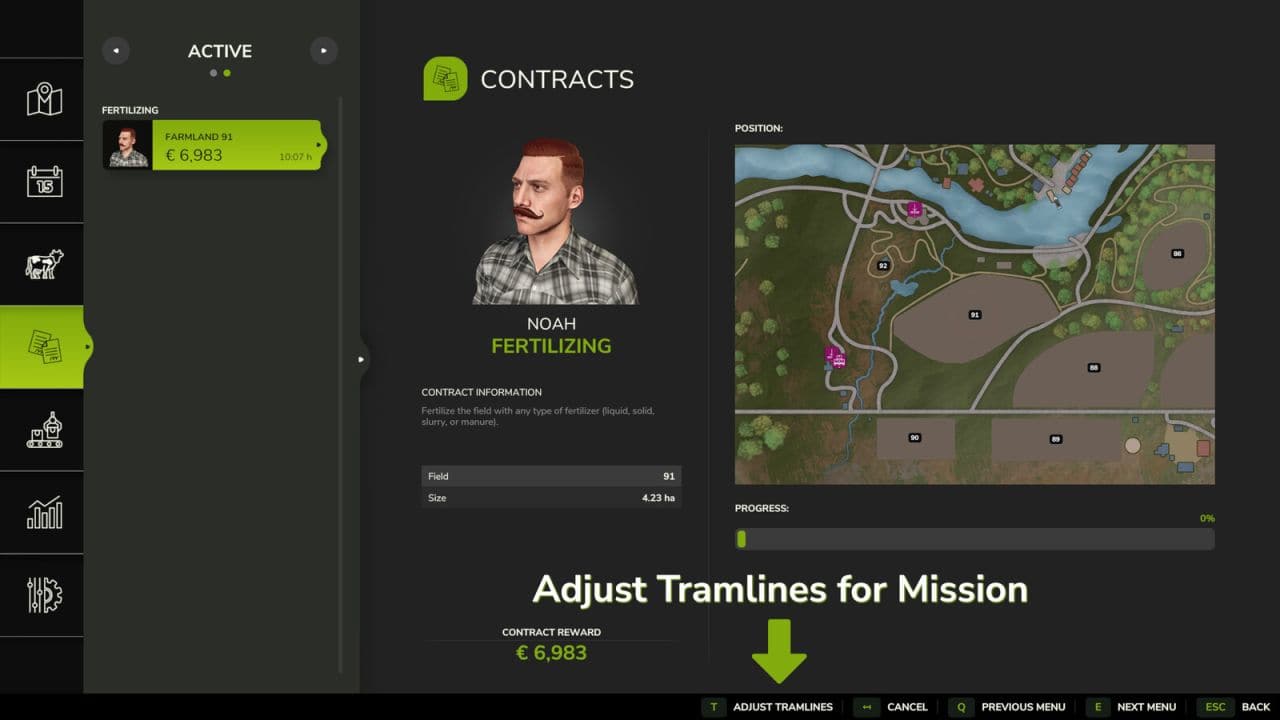
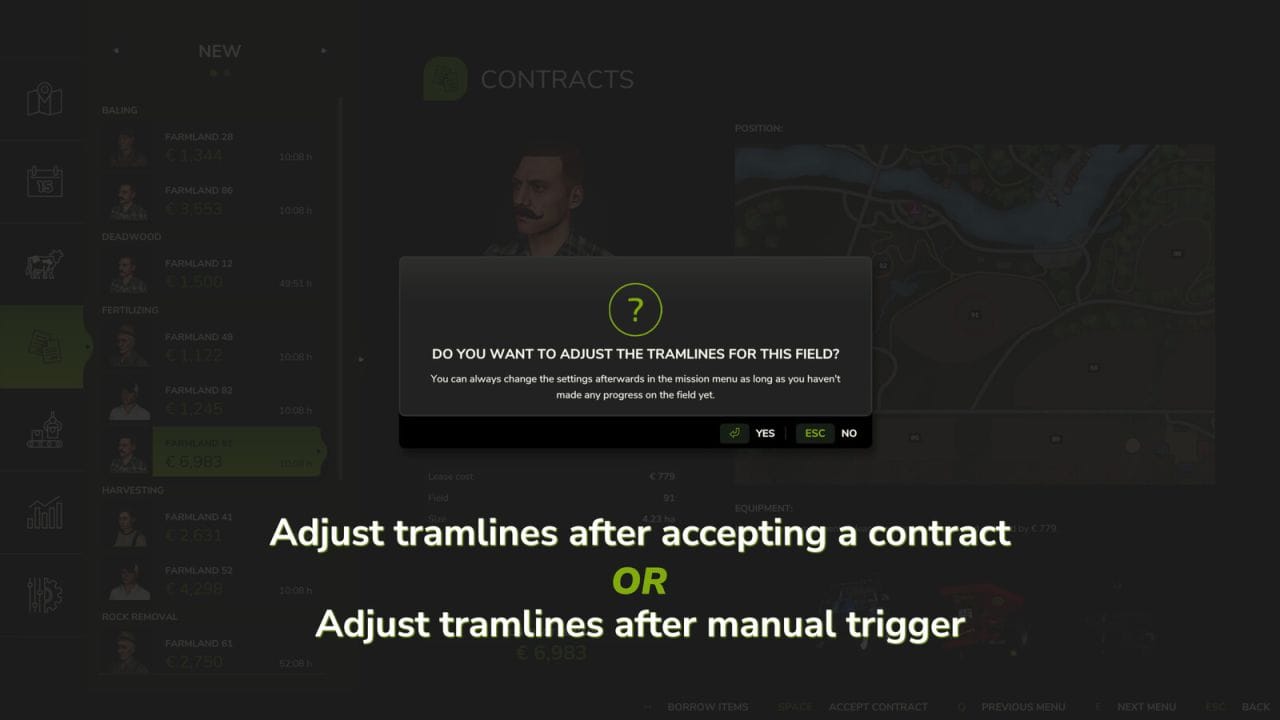
When accepting a field mission (fertilizing, spraying, hoeing, weeding) in the mission menu, an additional window appears for supported crop types that allows you to adjust the tramlines. It is also possible to adjust the tramlines for missions that have already been accepted but not yet started (progress at 0%). This adjustment can be made in the active missions menu.
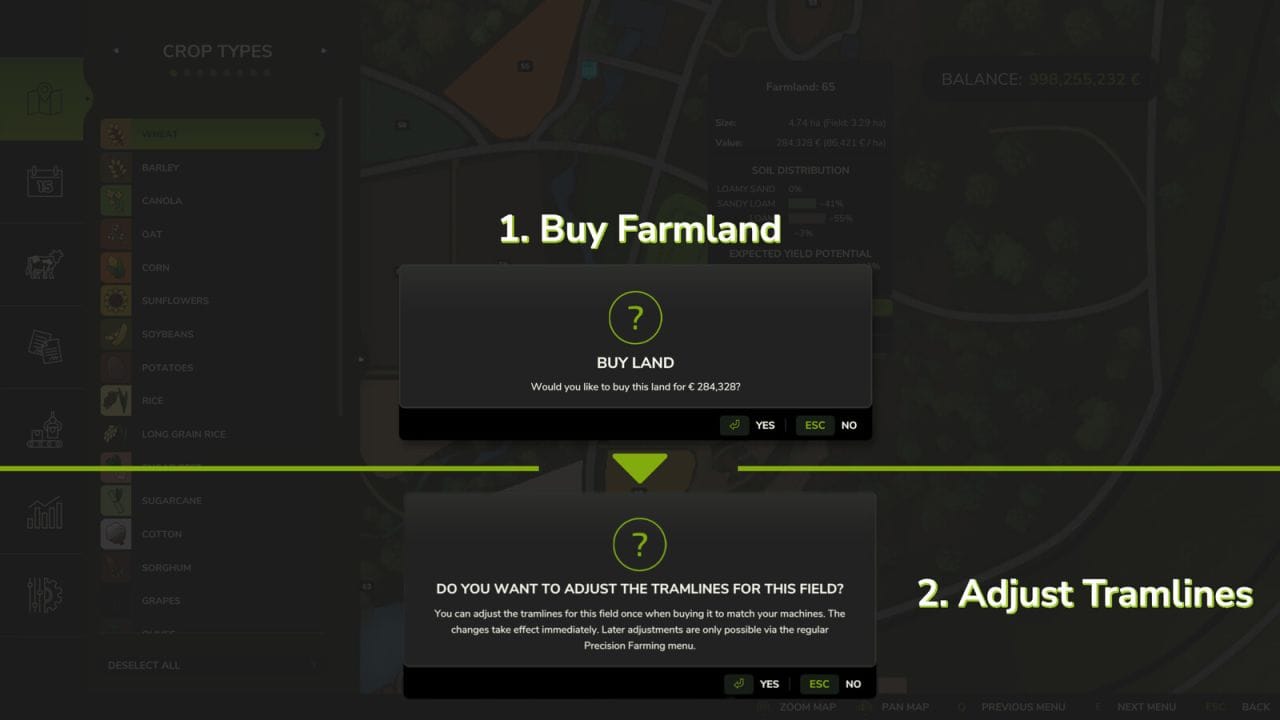
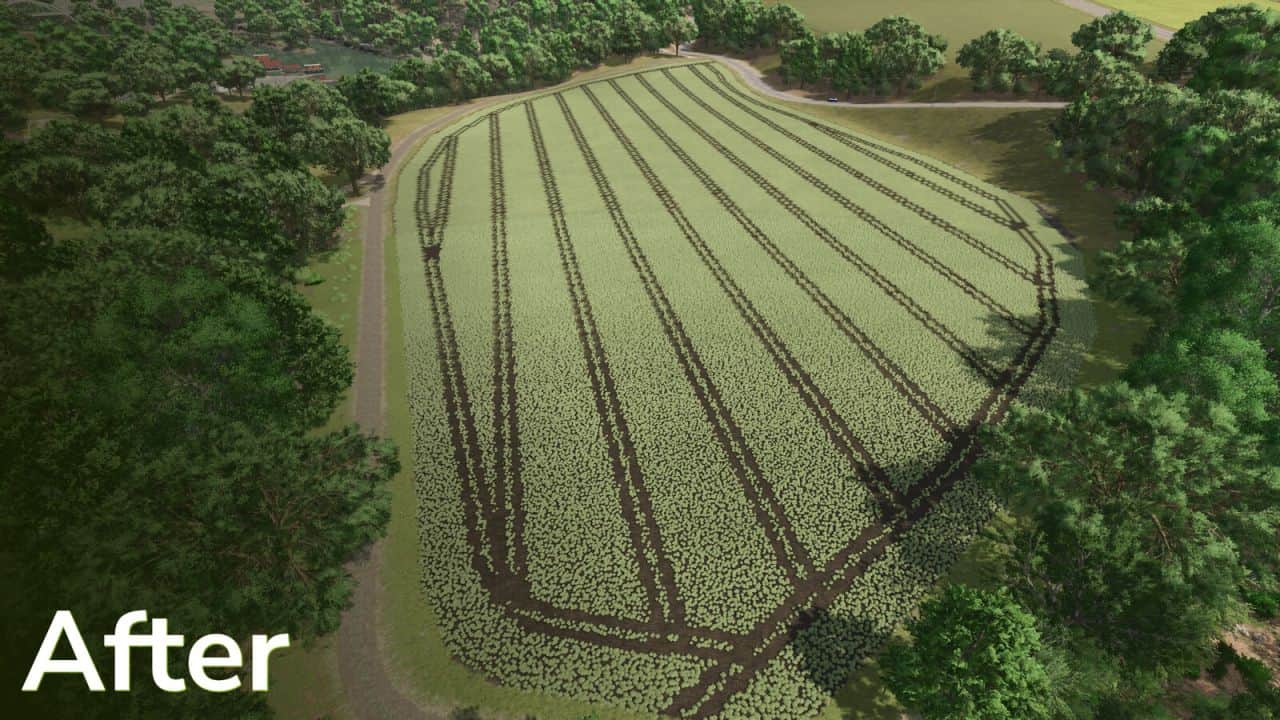
When purchasing a field, it is also possible to make a one-time adjustment of the tramlines to match your own machines. This change takes effect immediately. Later adjustments are still possible via the regular Precision Farming menu, but without immediate effect, but according to the usual handling of Precision Farming.
The mod also adds the console command “pfTramlineReset “, which resets the tramlines of a field. The field will then be completely covered with the current crop type again. In addition, the console command “pfTramlineSet ” from PrecisionFarming is unlocked for multiplayer, which can be used to set tramlines on a field.
Required:
– Precision Farming