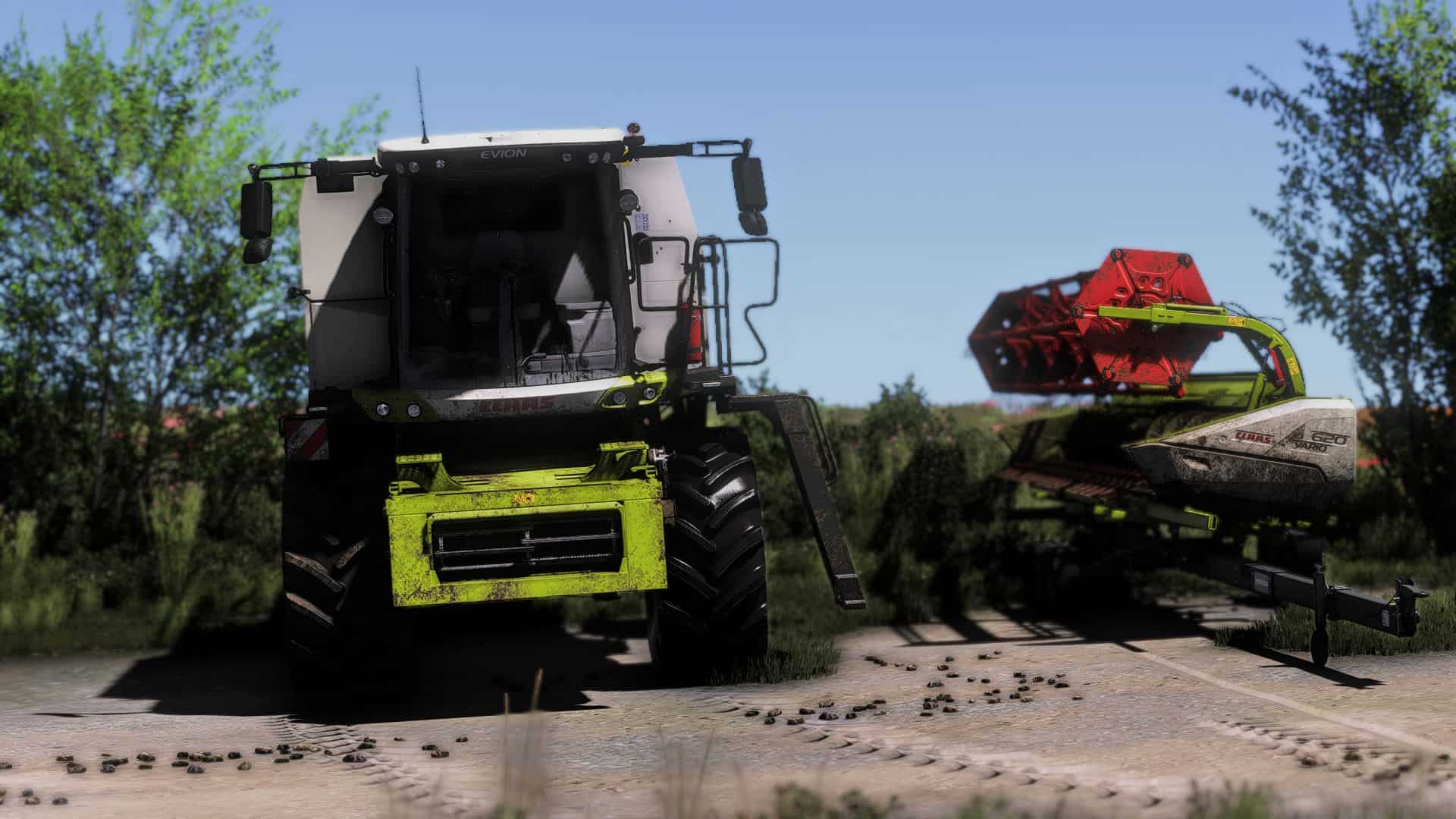
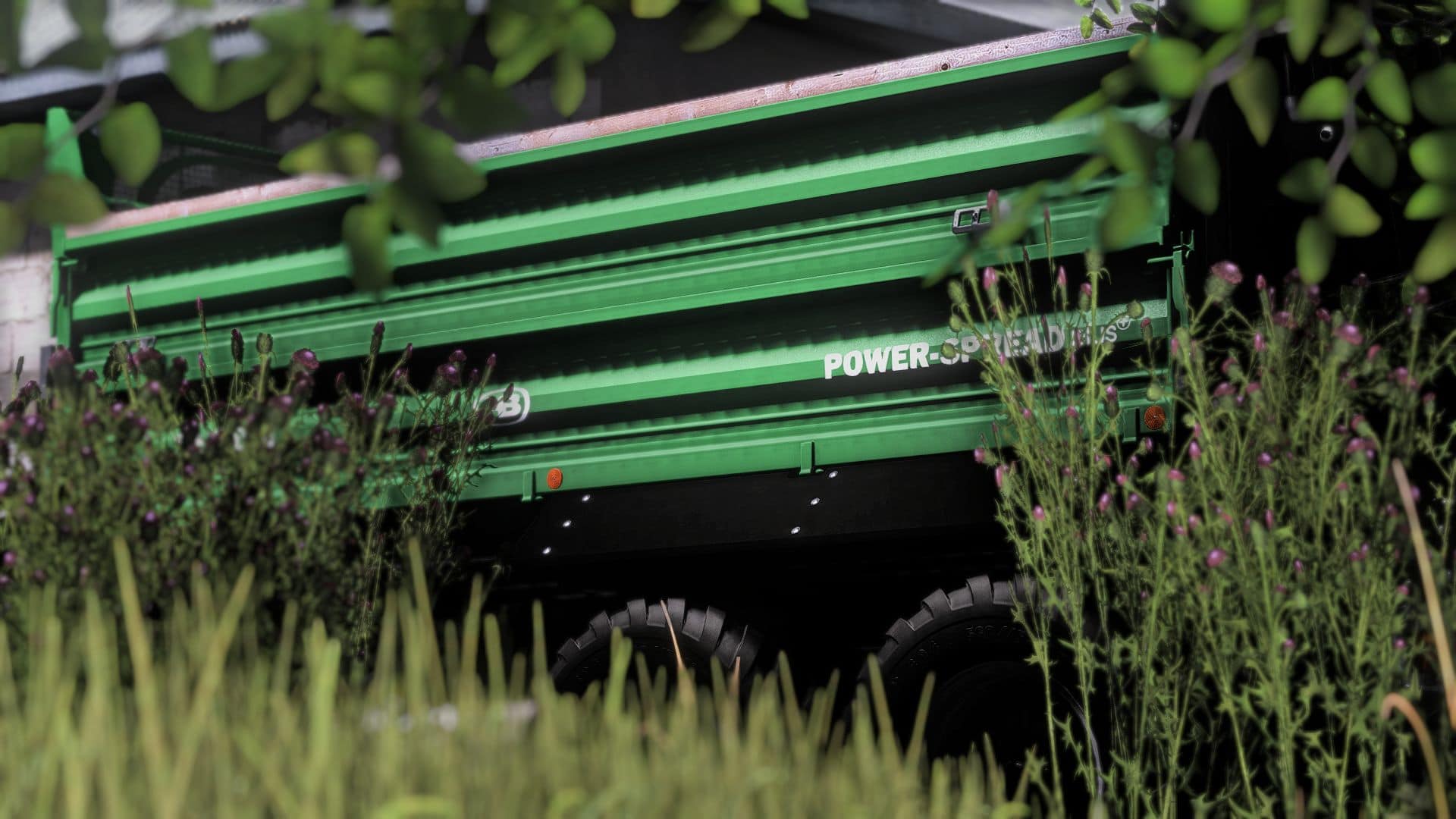
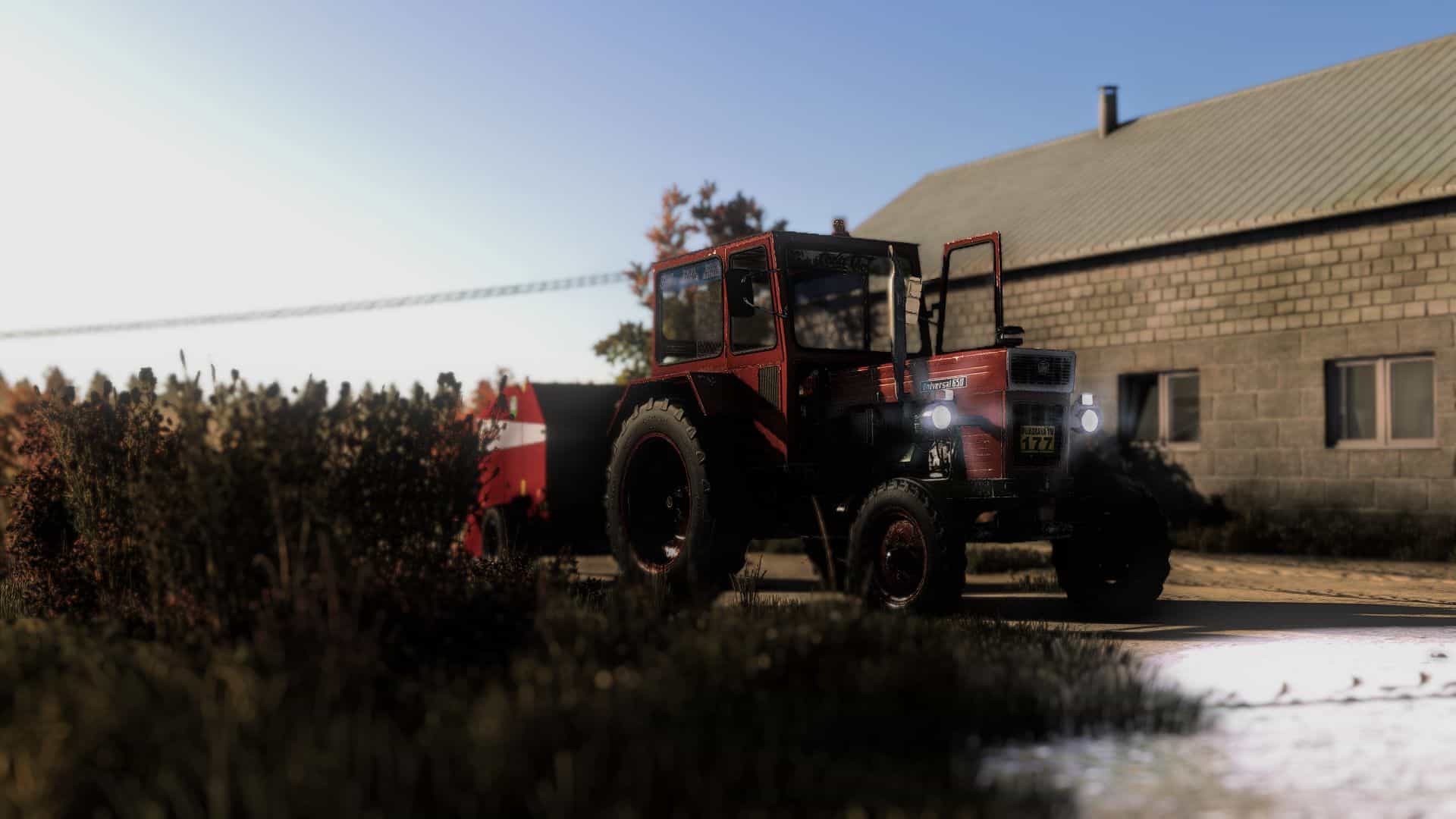
FS25 Shader 1 V1.0

FS15 Mods | FS17 Mods | FS19 Mods | FS22 Mods | FS25 Mods |
FS 25 Other

FS25 Shader 1 V1.0

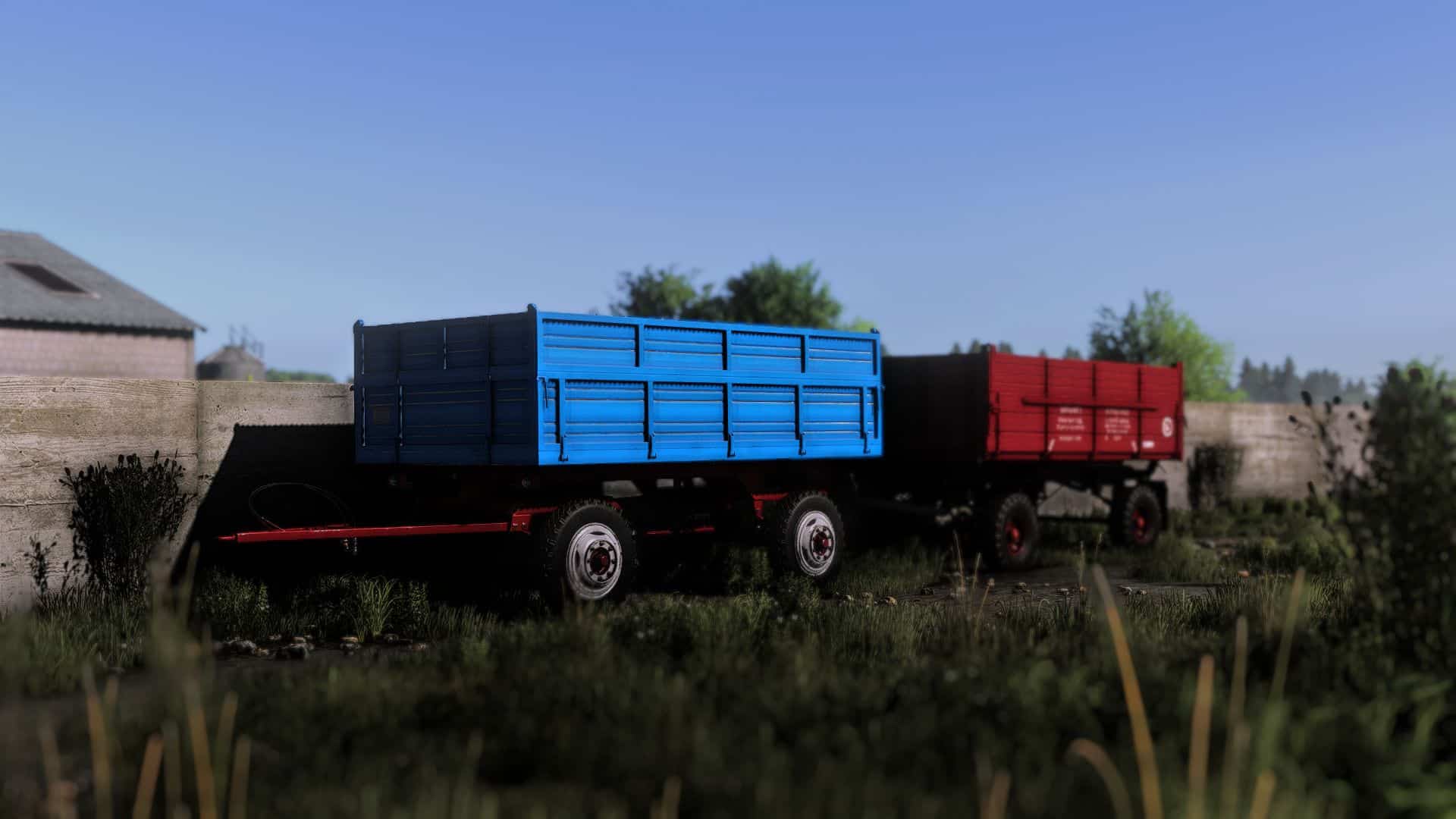
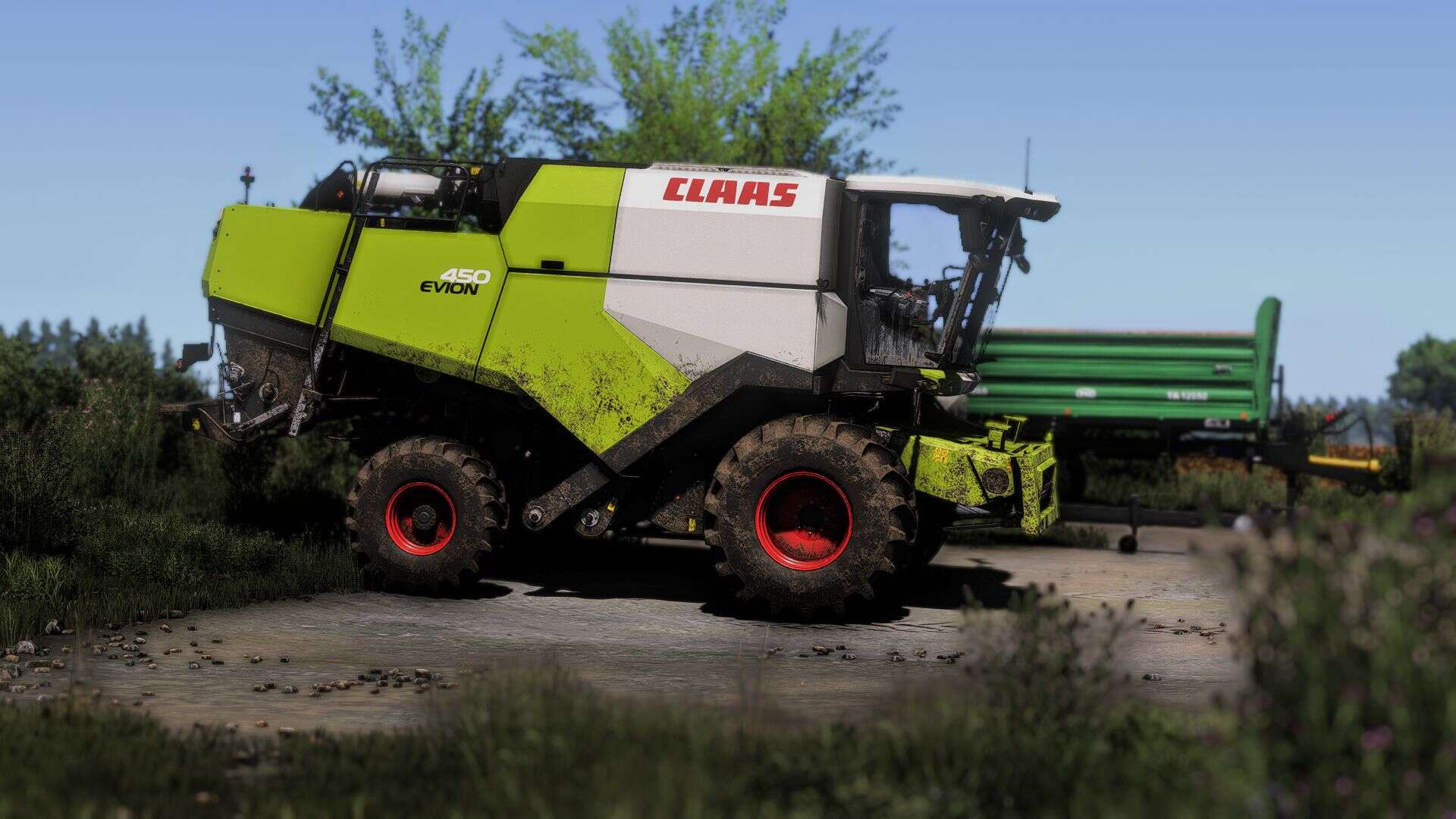
I tried to make a nice shader, I hope you like it. Enjoy!

Instructions:
1. Install Addition Game Settings mod
2. Install Reshade
– Pick Giants Engine 9.0.0.0 and DirectX10,11,12
– Install all effects
3. Go in C:/User/Documents/My Games/FarmingSimulator2025/modSettings and replace FS25_additionalGameSettings folder (IMPORTANT: MAKE A BACKUP FOLDER FOR THE ORIGINAL FS25_additionalGameSettings folder)
4. Go in Program Files (x86)/Steam/steamapps/common/Farming Simulator 25(in my case) and put in the x64 folder the Shader 1 by CasiJR.ini
5. Launch game and press “Home” button and select “Shader 1 by CasiJR.ini”
6. In “Additional Settings” tab change your “Custom lighting” to “Sample”



Author: Casian
This content was uploaded by website visitors. If you notice any mistake, please let us know.

Finding a game interesting after investing 300 hours into it can become a bit challenging. But with mods as long as there is a new update is assured, you are guaranteed a few more hours of new exciting gameplay. FS 25 Other Mods are one of the greatest upgrades and can make your game unique. Downloading and adding FS25 Shader 1 V1.0 Mod to your game is not difficult at all - you simply need to save a file and run it.


You may also like...

Leave a Reply

Your email address will not be published. Required fields are marked *