FS25 New Holland CH v2.4
New Holland CH with Interactive Control & Real GPS
Version 2.4.0
After some bugs in the last version, here’s a major update as compensation:
– All bugs have been fixed (the log no longer shows any errors),
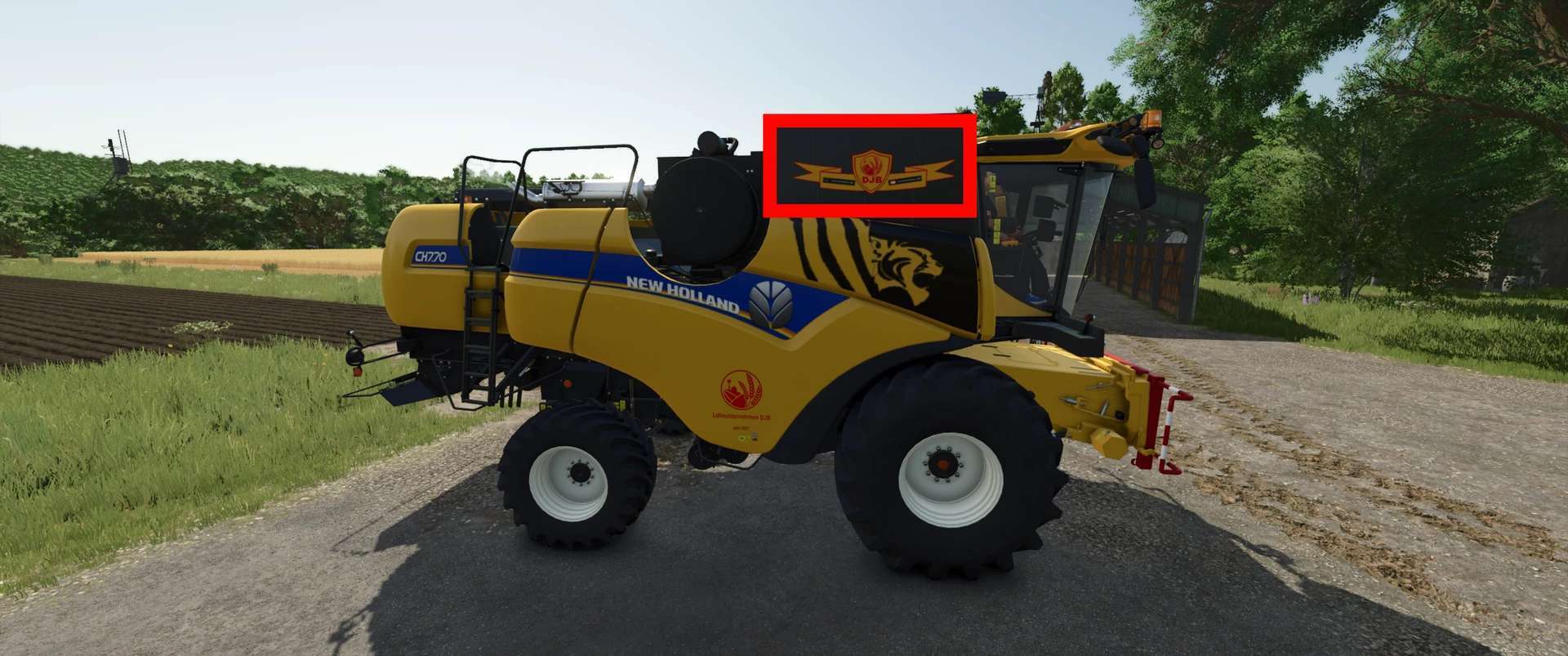
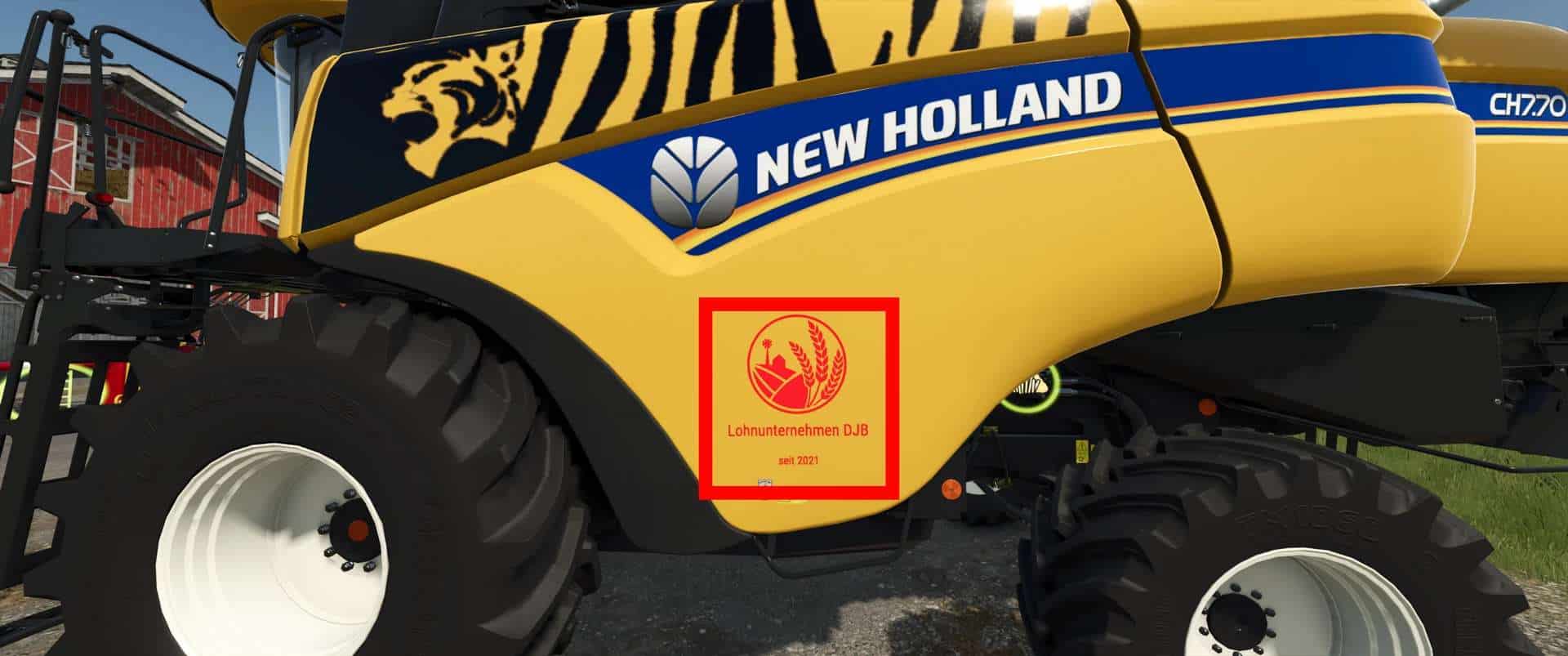
– The familiar Tiger decal has been added,
– New decals can be selected on the sides (Anti-Claas, Anti-Case, Anti-John Deere, and the DjB logo, which even offers an €18,000 discount in-game),
– Anti-Claas decal added, which you can see when climbing the ladder,
– The light control monitor now has a splash screen when the engine is started and can be turned off via IC,
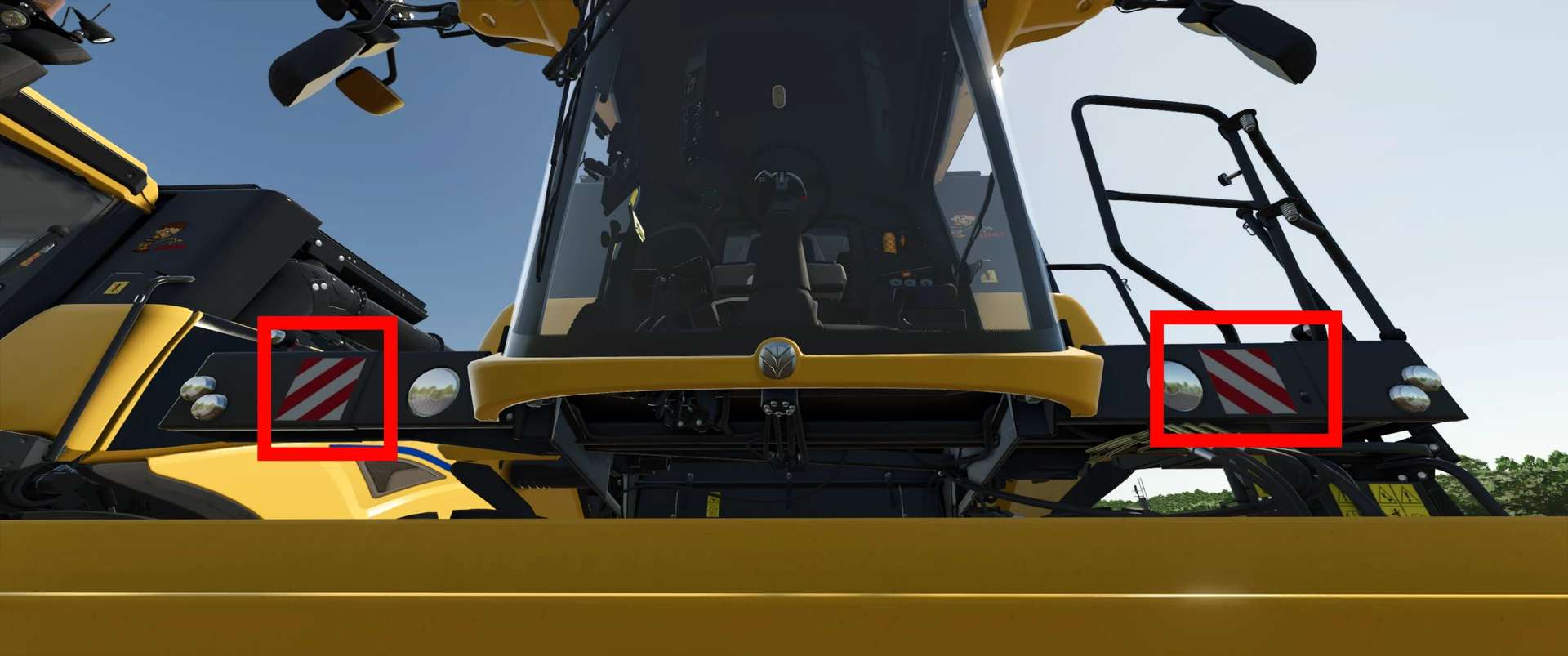
– Warning signs mounted on the front (can be deselected in the shop)
You already know my very realistic Varifeed header, and today there’s a matching New Holland CH combine harvester.
The combine harvester has: Interactive Control & Real GPS
When the boom is unfolded, a warning appears on the monitor indicating that the boom is unfolded. If the boom is folded back in, this warning disappears.
Interactive Control Outside:
– Ladder open/close,
– Warning sign attached/removed
– Straw chopper/straw swath (animation only; to switch between swathing and chopping, you must do this as usual in the vehicle)
Interactive Control Inside:
– Ladder open/close
– Rotating beacon on/off
– Front work light on/off
– Rear work light on/off
– Switch between two monitors (additional IC points on the second display)
– Wiper on/off
– Thresher open/close
– Engine start/stop
– Work mode start/stop
– Pipe fold in/out