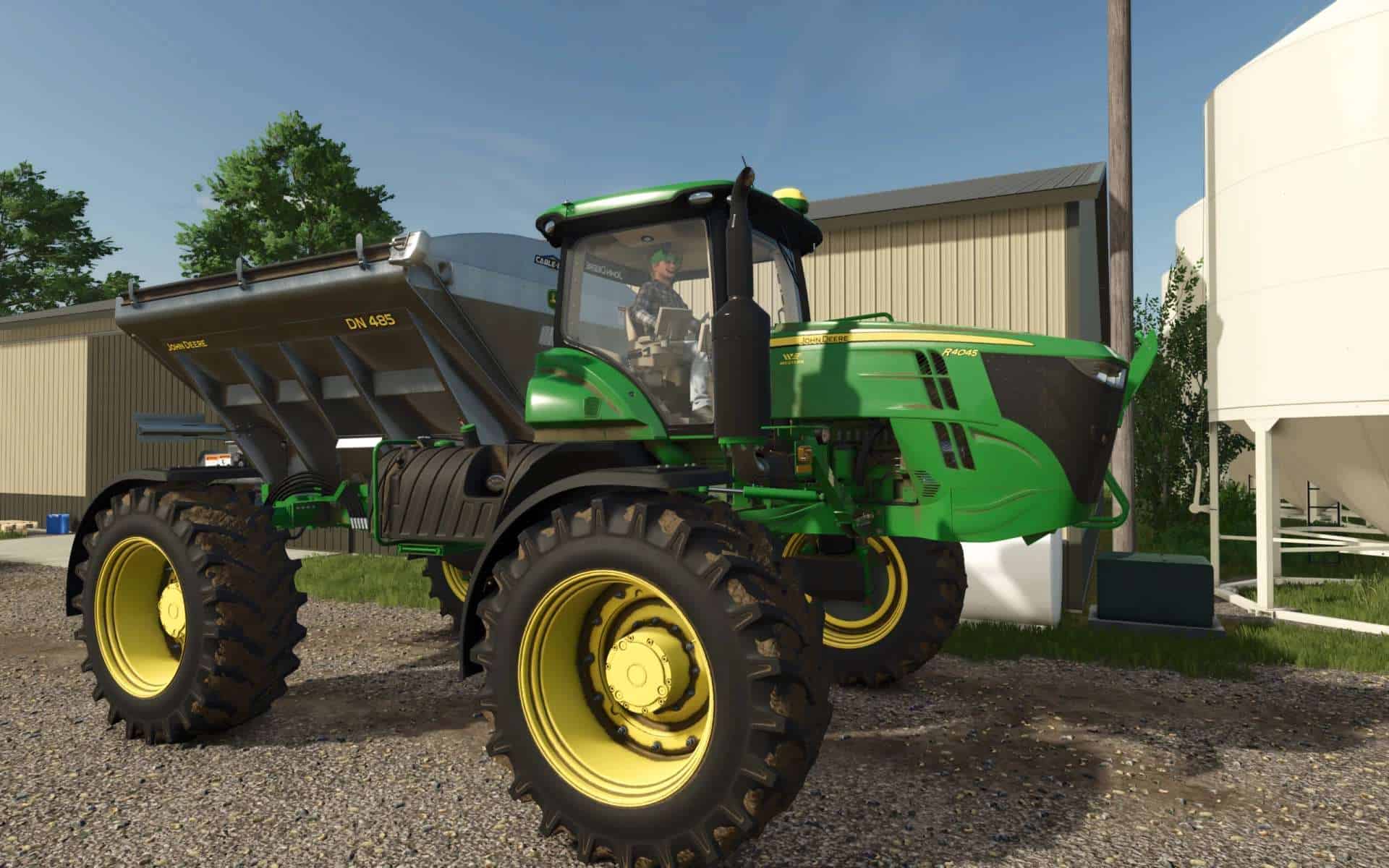
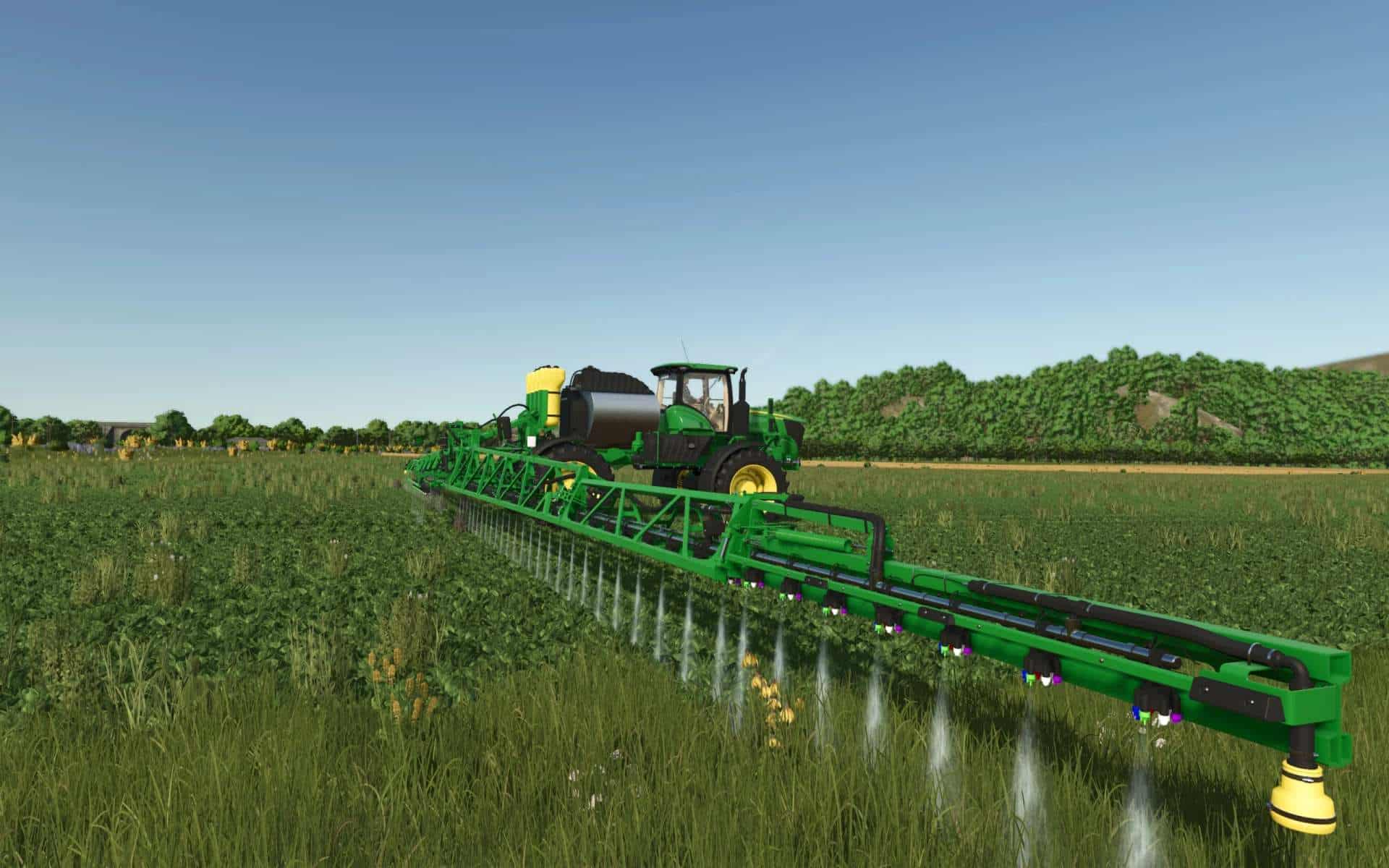
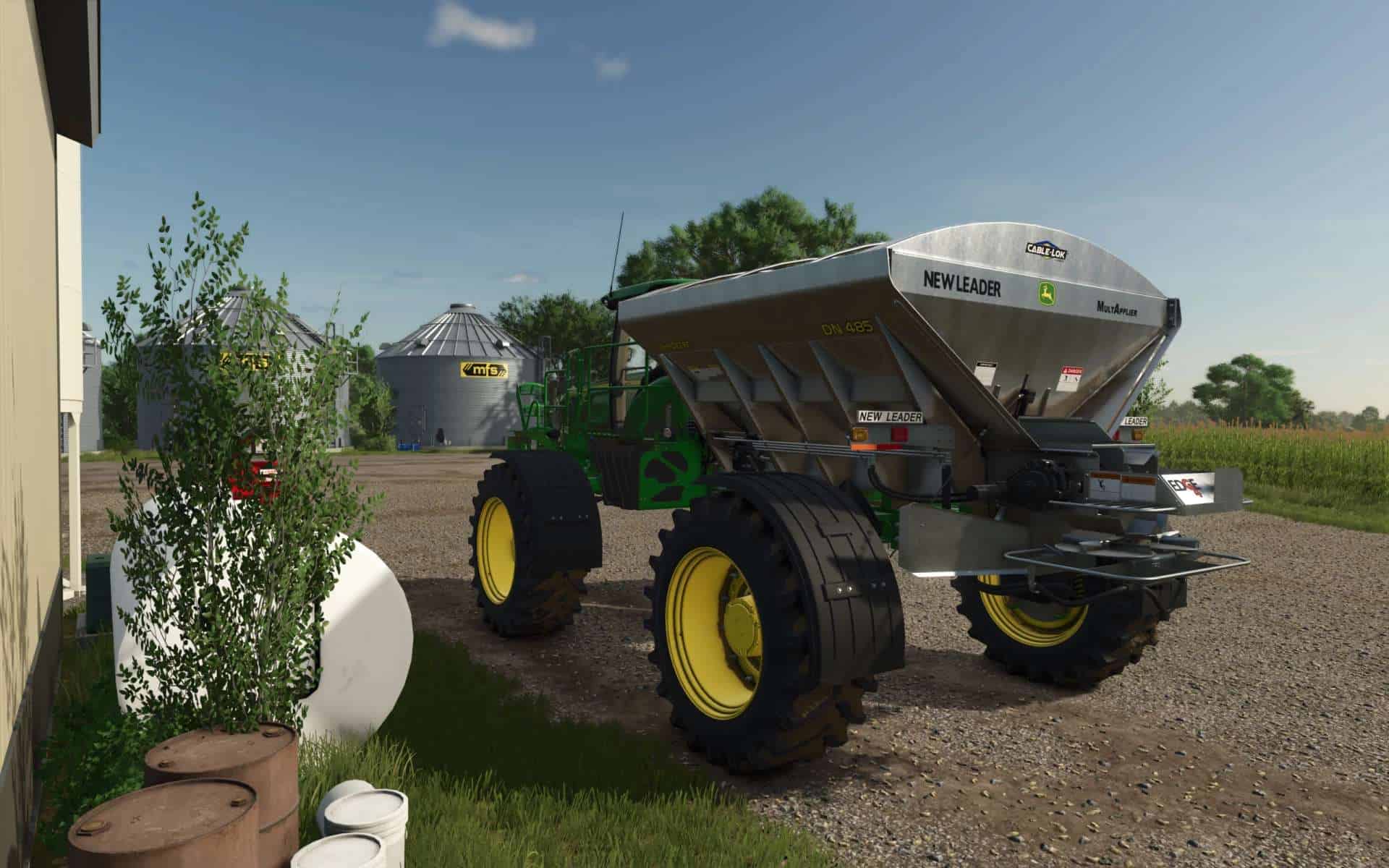
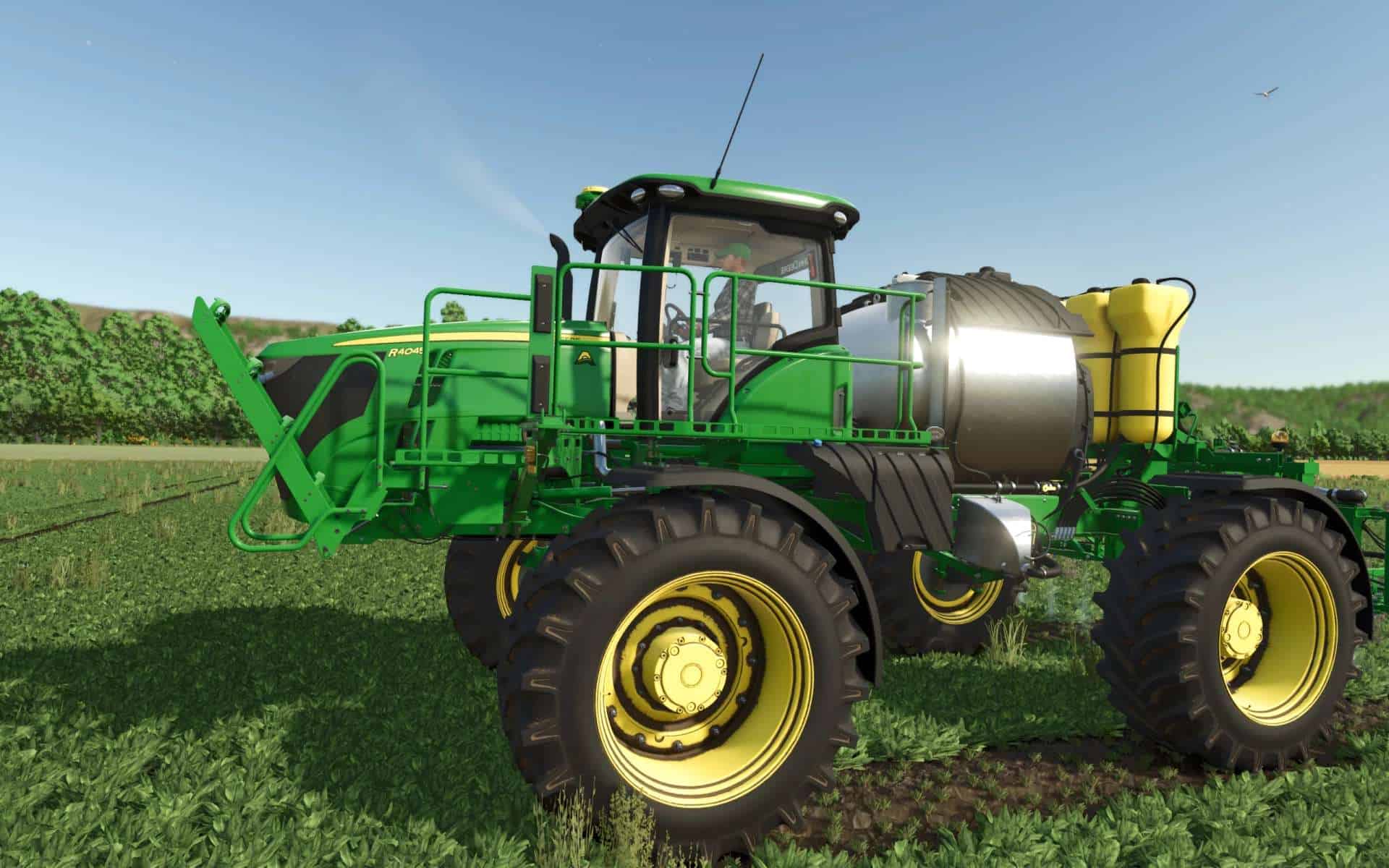
FS25 John Deere R4045 Edit v1.0
This is an edit of OS Farms R4045 for FS25. His original work can be found on his Facebook page under the “Play Game” button.
The cab is mostly derived from the base-game Deere 9RT but was extracted from STX Farms FS22 John Deere 8R Series 2014 US that can be found here: FS22 John Deere 8R Series 2014 US by STX Farms This is the list of things I edited that I can recall, most of which are included in OS Farm’s public released R4045 version as well:
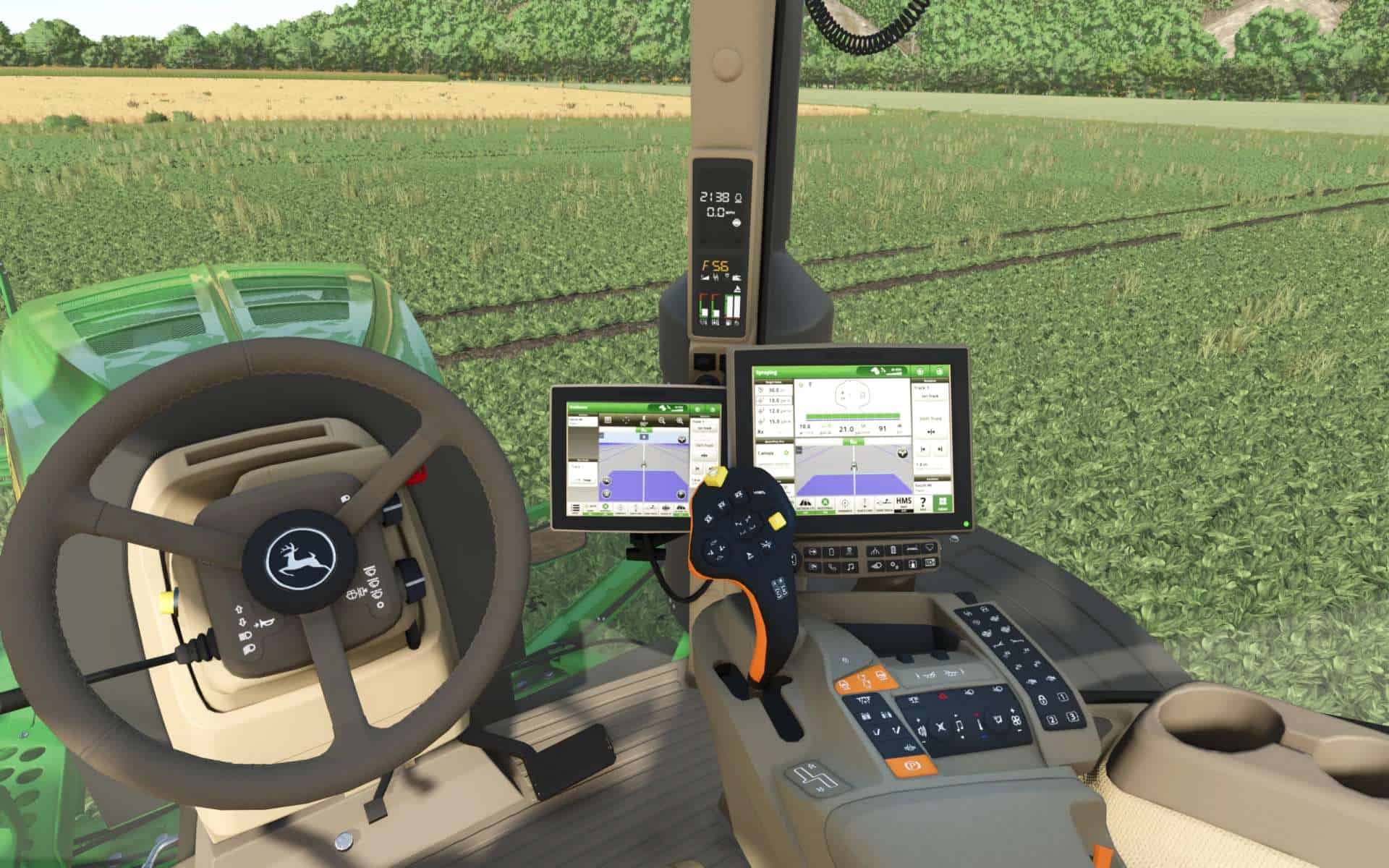
Added custom decals to the Command Arm, joystick, and respective buttons to match real machine.
Added power-on warning screens that can be cleared by either moving the machine or using IC to select “OK”.
Added custom display screens that change depending on if you are connected to nothing, a sprayer, or a spreader. These screens were taken from the Deere online simulator for accuracy.
The corner display received custom symbology that also changes depending what is installed.
The brake pedal was edited to match the real machine.
Skywalker Farms 2-way radio was added in addition to a custom UHF antenna.
The buttons surrounding the radio were removed and “blank” panels were installed.
The radio now has proper backlighting.
Interactive Controls have been added. Get the required mod here: Interactive Control | ModHub | Farming Simulator
The door now opens and closes with IC.
Moved the player exit point farther forward so the ladder does not clip through the player POV as it extends and slightly sped up the ladder speed.
Added custom defined “attacher joints” to de-conflict any issues with other mods but still allow screen and symbology switching depending on what is attached to the R4045.
Edited exterior cab lights to match real machine
Removed the opening rear cab glass and respective struts to match the real machine
Removed the rear cab license plate holder, handrail, and side-wiper.
Added a window tint option
The boom’s mirrors are now mouse controllable. I challenge you to adjust them and use them when backing up to a fence or tree.
The boom’s still take advantage or auto-leveling features however you can now use mouse controls to raise and lower the entire assembly depending on the height of crops or wind conditions.
Added collisions to all items so watch out for those trees and fences!
Widened the stands for all 3 attachments so to allow you to drive under and away from them despite wide tire settings, dual wheels, or floaters.
I couldn’t have done any of this without the fantastic work of the original modders.
OS Farms, SMEBY, Kyle, meyer, Zook, and STX Farms. Thank you and enjoy!
KNOWN ISSUES:
1) See and Spray and Pulse Width Modulation have been added. However, the spray nozzles spray all together rather than individually as they should. Also note that at this time there are no cameras or hardware installed on the booms for See and Spray as would be on the real machine, so only fictional functionality is intended.