FS25 Crop Textures and files v1.0
FS25 Crop Textures and files v1.0
- First off, these are NOT mods! They will NOT “work” by you putting them in your mods folder.
- Yes I had to say that to avoid BS.
- Next you will see “UNZIP” in the name of each file, that is telling you to unzip(or extract) the file.
- BACK UP file anytime you replace or edit files!
- After unzipping the file you downloaded, you will see a “README” file and a folder with a crop’s name on it. The files explain how to use the folder. —-pretty self-explanatory when the file is named “Read me”.
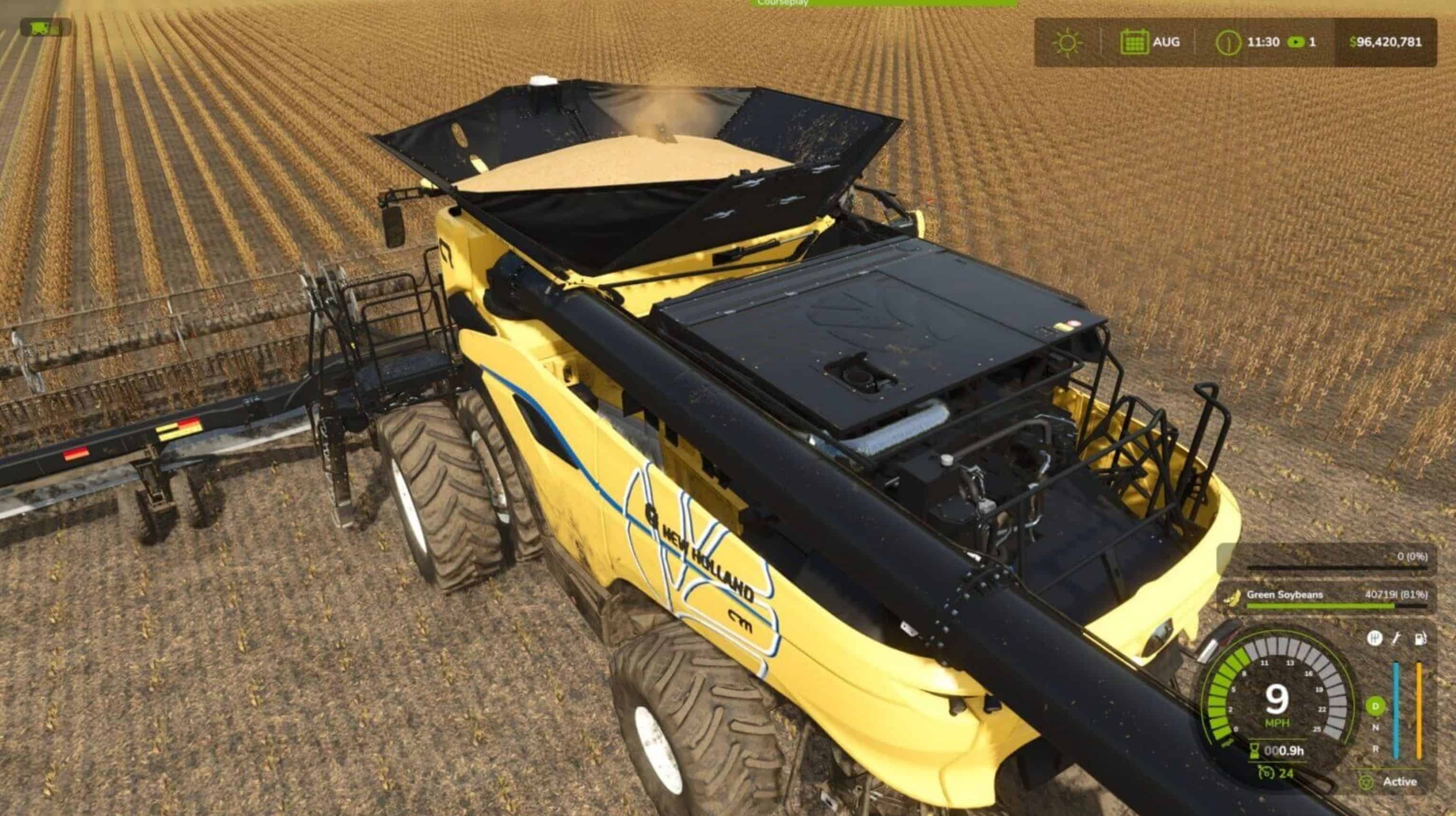
- Currently these are only used on my Storla, South Dakota map as Pioneer Soybeans(36″) and Green Soybeans(30″). You can only use 1 at a time, unless you know how to add a second.
- Not responsible for you messing anything up with your game
- Soybean_UNZIP – basegame Soybeans with new textures
- 30in_Soybean_UNZIP – is a file and folder for Soybeans in 30″ rows
- 36in_Soybean_UNZIP – is a file and folder for Soybeans in 36″ rows
Author: Bronkema
This content was uploaded by website visitors. If you notice any mistake, please let us know.
Finding a game interesting after investing 300 hours into it can become a bit challenging. But with mods as long as there is a new update is assured, you are guaranteed a few more hours of new exciting gameplay. FS 25 Textures Mods are one of the greatest upgrades and can make your game unique. Downloading and adding FS25 Crop Textures and files v1.0 Mod to your game is not difficult at all - you simply need to save a file and run it.